Product updates and release information
This page is Sarva’s home for product-change communication. It is being prepared as a structured release log: every published update will carry a real date, the affected workflow, and any action required. No updates are published yet — here is what will appear here, and how to confirm current capabilities in the meantime.
No dated releases are published yet
This is a deliberate choice, not an oversight.
Why the page is not padded
Publishing an unverified feature, date, or availability statement would make this page worse than useless — it would mislead evaluations. Until each release is verified for its date, scope, and limitations, this page explains the structure instead of filling it with marketing text.
What to do in the meantime
For any live evaluation, confirm current capabilities directly: describe the workflow, systems, permissions, inputs, outputs, and review requirements, and Sarva will confirm what is supported and what needs assessment. Start that conversation.
What every release note will include
The structure each published update follows, so you can scan for what matters and skip what does not.
| Field | What it covers |
|---|---|
| Release date | The date the change became available, not the date it was written about. |
| What changed | A concise description of the workflow, product area, or connector affected. |
| Who is affected | The practices, billing companies, or workflows the change applies to — and which it does not. |
| Action required | Whether customers need to do anything: confirm configuration, re-review a workflow, or nothing at all. |
| Limitations | Known constraints, systems or plans out of scope, and what should be confirmed with Sarva before relying on the change. |
| Related pages | Links to the product, connector, or documentation pages that describe the affected area. |
Updates will also carry category labels — for example workflow capability, connector support, or security — so recurring readers can filter to what affects them.
How to confirm current capabilities
Release notes describe change over time. For a decision you are making now, confirm against the workflow in scope.
Describe the workflow
The tasks, systems, inputs, outputs, and the staff who review exceptions today.
Get a capability assessment
Sarva confirms what is supported, what needs configuration, and what requires further assessment — per your systems.
Verify in a pilot
Configured workflows are proven on real work with agreed measures before you rely on them. See the implementation approach.
Related pages: the AI agents for RCM, connector compatibility, how implementation works.
The latest from Sarva
Practical ideas for better revenue operations, smarter automation, and stronger healthcare teams.
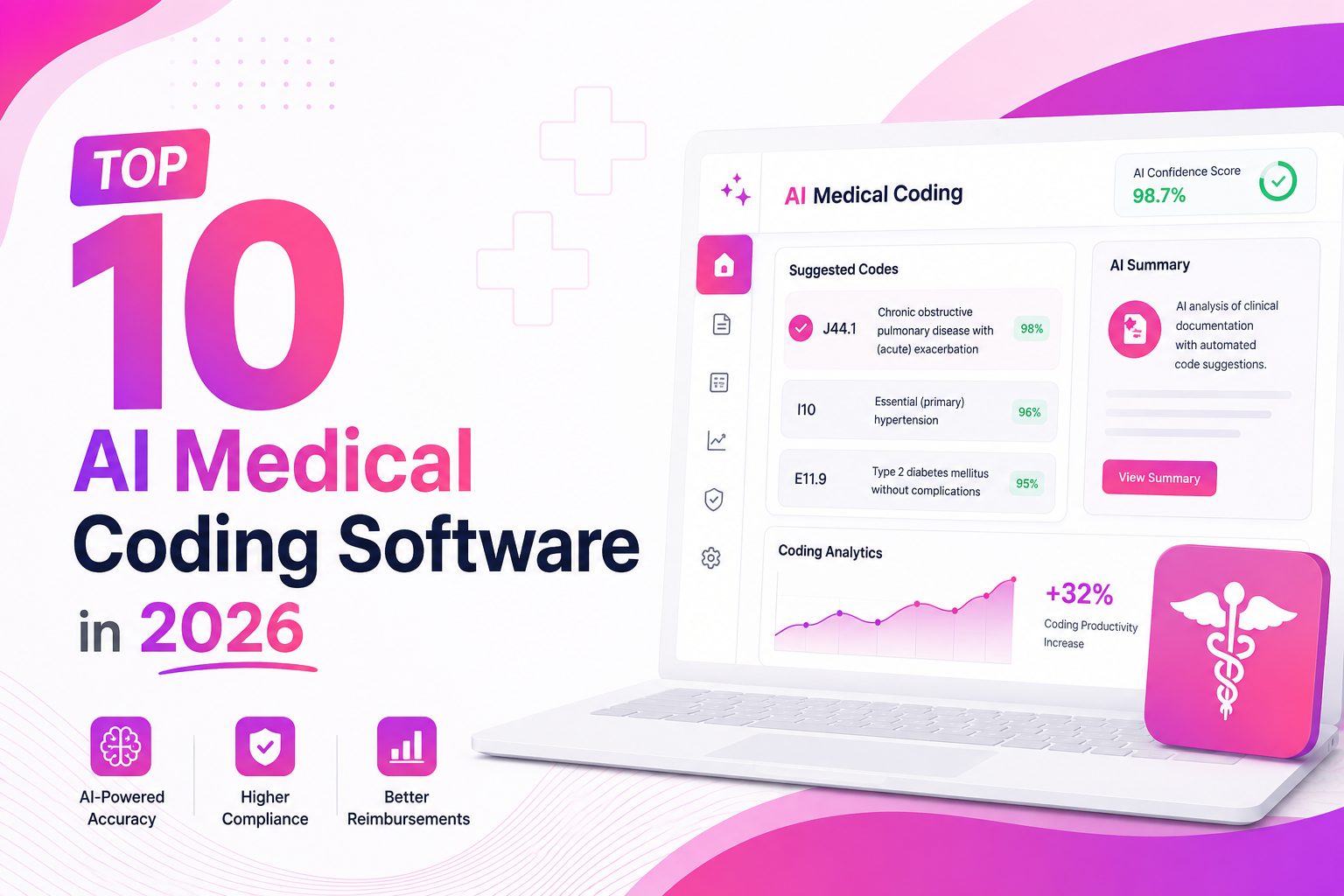 May 15, 2026
Top 10 AI Medical Coding Software in 2026
A practical comparison of AI-powered medical coding platforms transforming healthcare revenue cycle operations.
 May 8, 2026
How AI Is Eliminating Claim Denials Before They Happen
Discover how predictive AI catches denial-prone patterns before claims are submitted.
Apr 29, 2026Calculating the True ROI of RCM Automation
A practical framework for measuring how much revenue automation can recover for healthcare practices.
Need to know what is supported today?
Skip the release notes and ask directly — describe the workflow and Sarva will confirm current capabilities.