Build healthcare automations
in hours, not months.
Two APIs. Any healthcare system. Any workflow. The Sarva developer platform gives you everything you need to integrate PM software and deploy intelligent automations without building from scratch.
Connector Library
EHR, PM, billing & communication systemsOne authenticated API to read and write data across major EHR, practice management, eligibility, billing, and patient communication platforms in healthcare. Compatibility for each named system is confirmed during evaluation.
What you get
import Sarva from '@sarva/sdk';

const client = new Sarva({ apiKey: process.env.SARVA_API_KEY });

// Connect to any PM or EHR system in one call
const connection = await client.connectors.connect({
  connector: 'athenahealth',
  credentials: {
    clientId: 'your_client_id',
    clientSecret: 'your_client_secret',
    practiceId: '123456',
  },
});

// Read normalized data — same schema regardless of source
const claims = await client.claims.list({
  connectionId: connection.id,
  status: 'denied',
  since: '2026-01-01',
});

// Subscribe to real-time events
await client.webhooks.create({
  url: 'https://your-app.com/webhooks/sarva',
  events: ['claim.denied', 'eligibility.completed'],
});athenahealtheclinicalworksmodmeddrchronoopenemrAutomation Designer
Deploy in hoursDescribe what you want to automate in plain English. The Designer interprets your prompt, maps it to your connected systems, and generates a structured multi-step workflow — ready to review, customize, and deploy.
How it works
Example automations
// Describe your automation in plain English
const automation = await client.designer.create({
  prompt: `When a claim is denied in eClinicalWorks,
  re-verify eligibility with Availity.
  If still invalid, notify billing via Twilio
  and create a follow-up task.`,
  connectors: ['eclinicalworks', 'availity', 'twilio'],
});

// Review the generated steps before deploying
console.log(automation.steps);
// [
//   { type: 'trigger',   connector: 'eclinicalworks', event: 'claim.denied' },
//   { type: 'action',    connector: 'availity',       action: 'eligibility.check' },
//   { type: 'condition', expression: 'eligibility.active === false' },
//   { type: 'action',    connector: 'twilio',          action: 'sms.send' },
//   { type: 'action',    connector: 'internal',        action: 'task.create' },
// ]

// Deploy when ready — production in minutes
await automation.deploy({ environment: 'production' });
console.log('Automation live:', automation.id);The latest from Sarva
Practical ideas for better revenue operations, smarter automation, and stronger healthcare teams.
 May 15, 2026
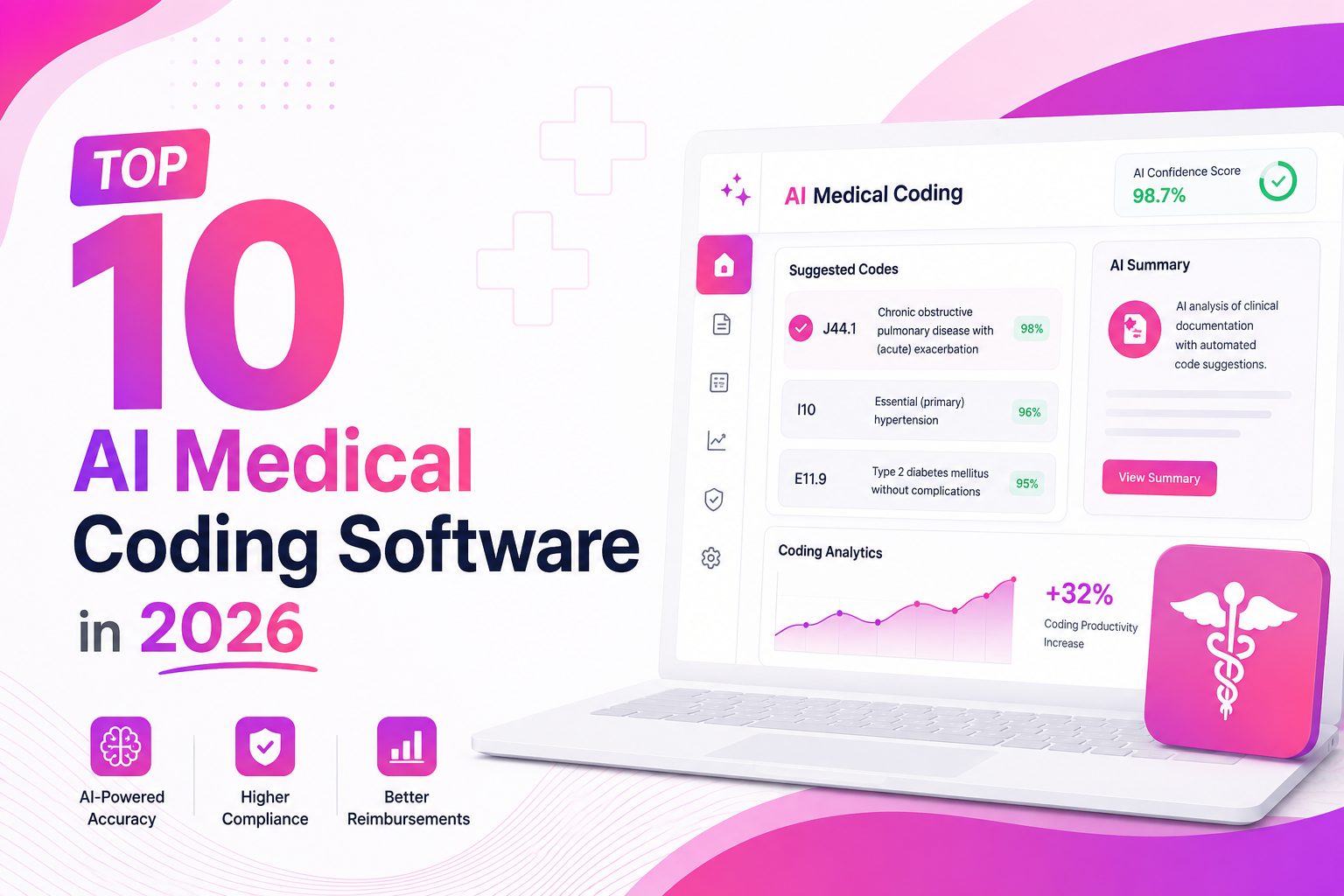
Top 10 AI Medical Coding Software in 2026
A practical comparison of AI-powered medical coding platforms transforming healthcare revenue cycle operations.
 May 8, 2026
How AI Is Eliminating Claim Denials Before They Happen
Discover how predictive AI catches denial-prone patterns before claims are submitted.
Apr 29, 2026Calculating the True ROI of RCM Automation
A practical framework for measuring how much revenue automation can recover for healthcare practices.
Start building on Sarva today
Get API access, sandbox credentials, and documentation. Our team helps you go live fast.