Sarva’s Healthcare Revenue Cycle Automation Platform
The short answer: Sarva connects to the EHR and practice-management systems you already use, automates revenue cycle workflows end-to-end, routes exceptions to your staff for review, and reports results against a baseline you agree before the pilot. This page walks through that journey in order.
The end-to-end evaluation journey
Four stages take an organization from first connection to measured results. Each stage links to the page with the operational detail.
1. Connect an EHR or practice-management system
Evaluation starts with your existing systems. Sarva uses pre-built connectors for common EHR and practice-management platforms, and connector compatibility is assessed per system during discovery — connector names do not guarantee compatibility. Browse the connector catalog to see what is documented.
2. Configure workflows against your rules
Each workflow — eligibility checks, claim review, denial handling, AR follow-up — is mapped to your payer rules, specialty requirements, and exception paths. The implementation page describes the phase-by-phase process, including testing and pilot acceptance criteria.
3. Staff review and exception handling
Automation performs the repetitive execution; your staff review the exceptions. Which decisions people approve, how exceptions escalate, and who owns submissions are agreed during scoping — the same responsibilities documented on the why-us page.
4. Reporting and measurement
Teams track workflow measures — clean claim rate, denial categories, days in AR, payment posting lag — against a baseline agreed before the pilot. The KPI library defines each measure and how it is calculated.
A claim walkthrough, stage by stage
One fictional claim, from rejection to payment. Each stage shows who acts, what evidence they see, and what approval applies — the same responsibilities your team configures during scoping.
| Stage | Who acts | Evidence they see | Approval that applies |
|---|---|---|---|
| 1. Rejected | Automation detects the clearinghouse rejection and links it to the claim. | The rejection code and message from the clearinghouse response, attached to the claim record. | No approval needed — detection is automatic. |
| 2. Staff review | Your billing staff or billing partner reviews the exception in the worklist. | The rejection reason, the claim as sent, and the eligibility response side by side. | Staff decide the correction; automation does not change the claim on its own. |
| 3. Corrected | Staff approve the correction; automation prepares the corrected claim. | A before-and-after diff of the corrected fields, recorded on the claim. | Correction is applied under the approval configured during scoping. |
| 4. Resent | Automation resends the corrected claim and tracks the response. | The outbound transaction receipt is logged against the claim. | The resend goes out under the submission ownership agreed during scoping. |
| 5. Accepted for processing | Automation captures the payer acknowledgment. | The payer acknowledgment transaction from the clearinghouse. | No approval needed — this is a status capture, not a payment. |
| 6. Paid | Automation matches the remittance to the claim; staff review posting. | The remittance detail, with underpayments flagged against contracted rates. | Posting exceptions route to staff before the payment is posted. |
All data in this walkthrough is fictional and shown to illustrate the workflow. Clearinghouse acceptance (stage 5) is not the same as payment: acceptance means the payer has taken the claim into its processing queue, and payment follows only after the payer adjudicates the claim. Stage 6 reflects that distinction.
A specialized workflow: No Surprises Act IDR
One platform capability has a dedicated page: automation for the No Surprises Act independent dispute resolution (IDR) process, used by practices and billing companies that handle out-of-network disputes.
No Surprises Act IDR platform capabilities
Deadline tracking, open-negotiation documentation, and Federal IDR submission support — with the related use-case and resource pages linked from it.
Evaluate the platform before a pilot
These pages cover the questions procurement, security review, and finance typically ask at evaluation time.
Security and data handling
What buyers should review: how access is scoped, how human review works, and how to request evidence for procurement.
HIPAA-aware architecture
Sarva’s documented approach to security review, scoped system access, and HIPAA-aware architecture.
Pricing structure
What drives an RCM automation quote — workflow scope, systems, volume, implementation, and review arrangements.
Product catalog
The AI agents behind the platform, organized as a product overview with staff-approval workflows.
Integration compatibility is assessed per system during discovery; connector names do not guarantee compatibility. Security evidence is requested through the trust center process rather than claimed on marketing pages.
Platform questions
Sarva is an AI-native revenue cycle automation platform. It connects to existing EHR and practice-management systems, automates workflows such as eligibility verification, claim review, denial management, and AR follow-up, and routes exceptions to your staff for review and approval.
The latest from Sarva
Practical ideas for better revenue operations, smarter automation, and stronger healthcare teams.
 May 15, 2026
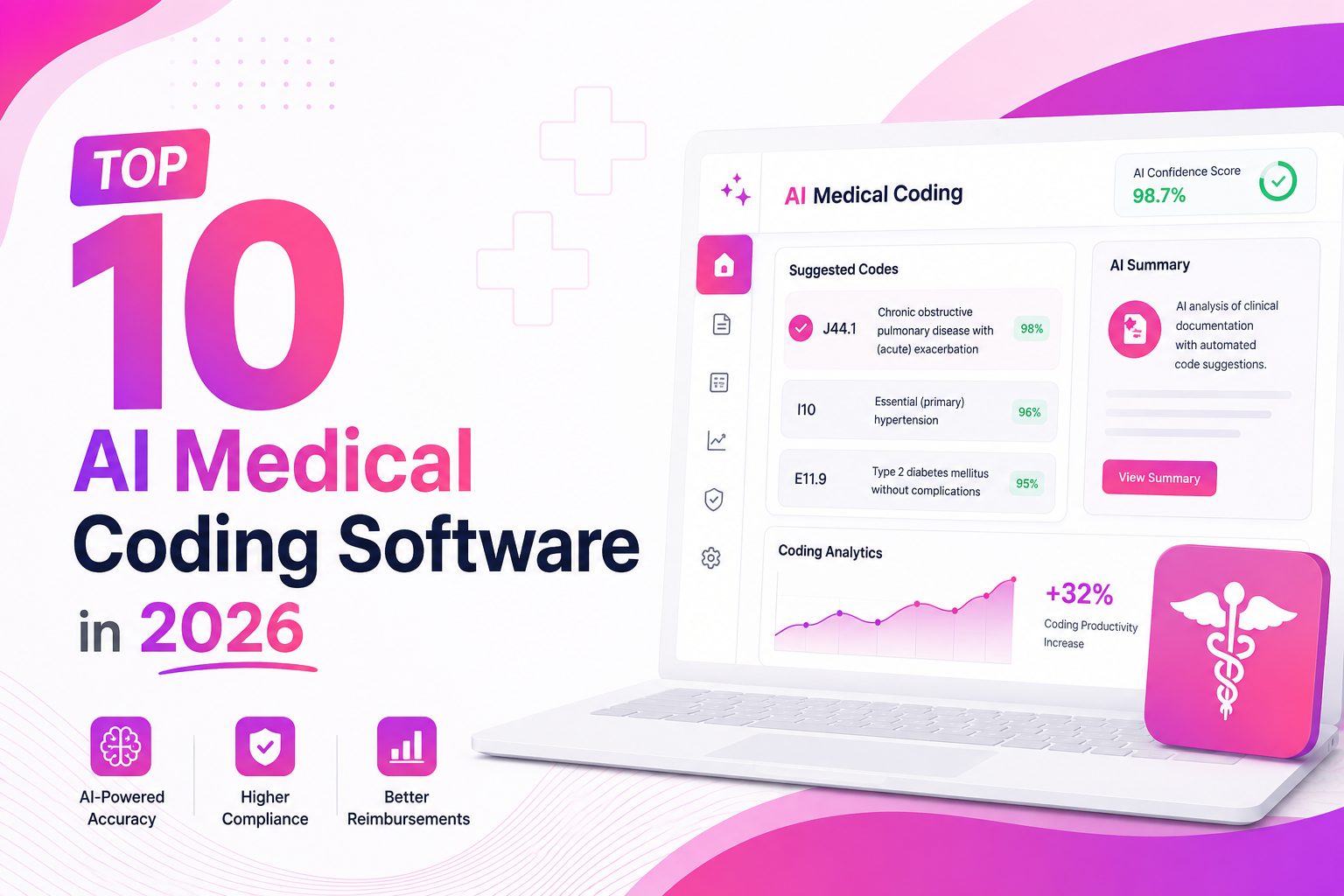
Top 10 AI Medical Coding Software in 2026
A practical comparison of AI-powered medical coding platforms transforming healthcare revenue cycle operations.
 May 8, 2026
How AI Is Eliminating Claim Denials Before They Happen
Discover how predictive AI catches denial-prone patterns before claims are submitted.
Apr 29, 2026Calculating the True ROI of RCM Automation
A practical framework for measuring how much revenue automation can recover for healthcare practices.
See the platform against your workflows
Start with the free assessment, or talk to the team about connecting your EHR and piloting one workflow. Comparing managed billing services? See Sarva vs. AgentAI for a side-by-side on billing ownership.