BestNotes Claim Status Automation
Sarva automates claim status checks for BestNotes practices, monitoring claim status across your payer mix on a schedule and flagging anything stalled or denied so follow-up starts automatically instead of relying on a manual portal check.
Book a BestNotes Claim Status Automation DemoBestNotes practices run behavioral health and substance use billing, where a claim's status often depends on something outside the claim itself — a session authorization running out or a reauthorization still pending — so status checks matter as much for what they reveal about authorizations as for the claim.
How Claim Status Automation Works for BestNotes
Scheduled Status Checks
Sarva checks claim status across your payer mix on a set schedule, so every open claim gets looked at regardless of whether anyone has time to check that day.
Denial and Delay Flagging
When a claim comes back denied or sits past normal turnaround for its payer, Sarva flags it immediately instead of waiting for a periodic report someone has to remember to review.
Escalation and Follow-Up
Flagged claims get routed for the right next step — a resubmission, an appeal, or a call to the payer — based on why the claim stalled, not a single generic worklist.
Why Claim Status Automation Matters for BestNotes Practices
In behavioral health billing, a claim doesn't just get denied for coding reasons; it gets denied because an authorization expired between the visit and the submission. Checking claim status regularly is how that gap gets caught before it becomes a pattern across a caseload instead of one claim.
Frequently Asked Questions
No. Sarva runs on top of BestNotes's existing claims data to automate the checking and flagging work; the underlying system of record doesn't change.
The latest from Sarva
Practical ideas for better revenue operations, smarter automation, and stronger healthcare teams.
 May 15, 2026
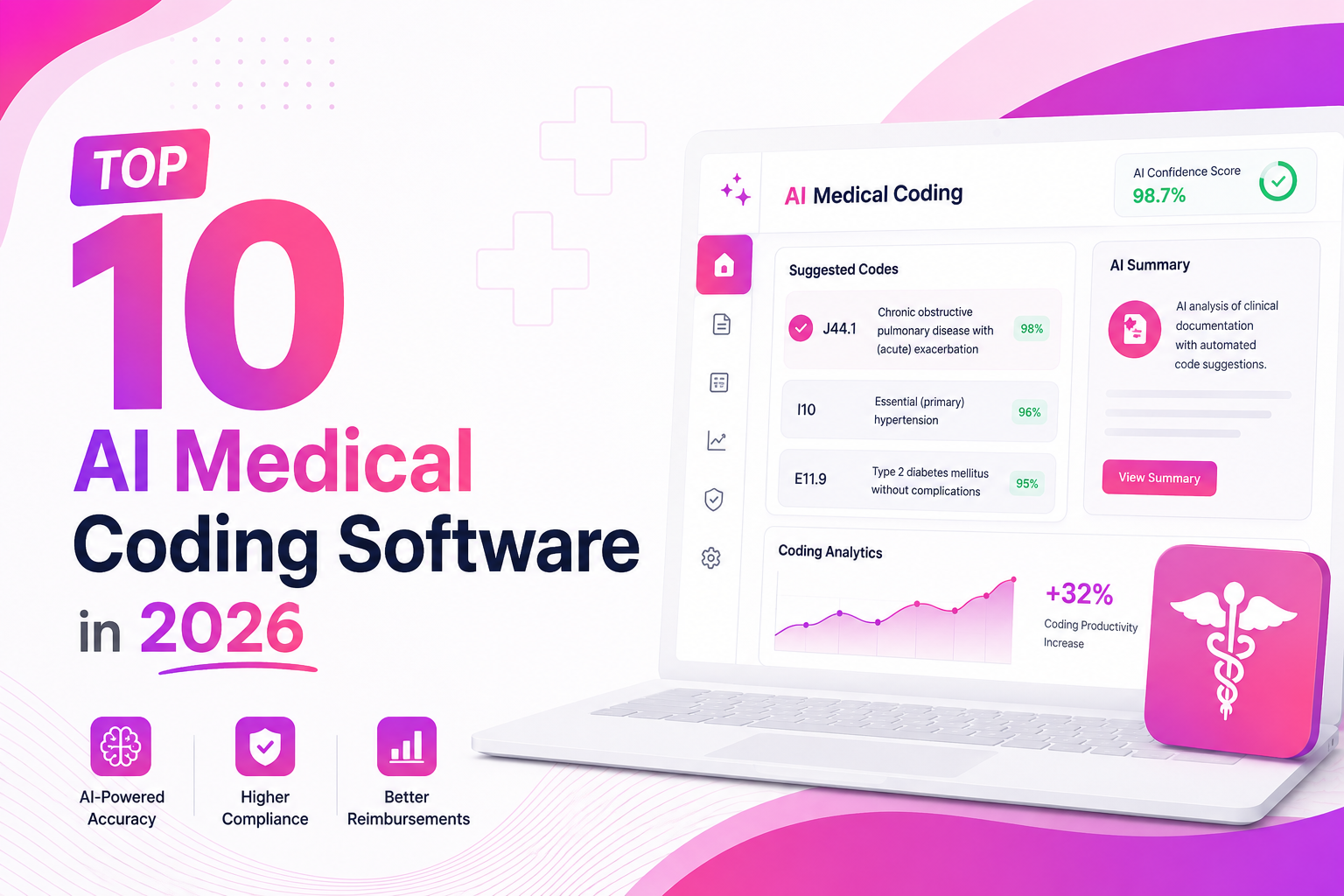
Top 10 AI Medical Coding Software in 2026
A practical comparison of AI-powered medical coding platforms transforming healthcare revenue cycle operations.
 May 8, 2026
How AI Is Eliminating Claim Denials Before They Happen
Discover how predictive AI catches denial-prone patterns before claims are submitted.
Apr 29, 2026Calculating the True ROI of RCM Automation
A practical framework for measuring how much revenue automation can recover for healthcare practices.
Automate Claim Status Monitoring in BestNotes
See how Sarva keeps claim status current for BestNotes practices without a manual portal check.