BestNotes
Automate coding, claims submission, and revenue cycle management for BestNotes behavioral health practices
Sarva connects to BestNotes to automate the part of behavioral health billing that breaks first, session-authorization tracking, alongside coding and claims submission, so authorizations don't lapse mid-treatment plan and claims don't sit unworked on a Medicaid-heavy payer mix.
Why BestNotes + Sarva
Sarva connects to BestNotes to automate the part of behavioral health billing that breaks first, session-authorization tracking, alongside coding and claims submission, so authorizations don't lapse mid-treatment plan and claims don't sit unworked on a Medicaid-heavy payer mix. BestNotes is built for behavioral health and substance use documentation, which means the clinical side is well covered. The billing risk in this specialty isn't documentation, it's session authorizations running out before a treatment plan does, and timely-filing windows closing while a reauthorization sits pending. Sarva automates exactly that tracking, on top of standard coding and claims work.
What Sarva Automates in BestNotes
Session Authorization Tracking
Sarva tracks authorized session counts against actual utilization and flags renewal needs before the authorization runs out, closing the single biggest revenue leak in behavioral health billing.
Coding and Claims Submission
Sarva builds and submits claims from BestNotes' documented sessions, applying behavioral health-specific CPT and HCPCS coding rules.
Level-of-Care Change Tracking
When a patient's level of care changes (PHP to IOP to outpatient, for example), Sarva flags that a fresh authorization is likely required rather than letting the old one carry over incorrectly.
Denial Management
Sarva classifies denials, often authorization-related or timely-filing issues in this specialty, and routes them for the specific fix each needs.
How Practices Use BestNotes + Sarva
Session Authorization Tracking
Sarva tracks authorized session counts against actual utilization and flags renewal needs before the authorization runs out, closing the single biggest revenue leak in behavioral health billing.
Coding and Claims Submission
Sarva builds and submits claims from BestNotes' documented sessions, applying behavioral health-specific CPT and HCPCS coding rules.
Level-of-Care Change Tracking
When a patient's level of care changes (PHP to IOP to outpatient, for example), Sarva flags that a fresh authorization is likely required rather than letting the old one carry over incorrectly.
Denial Management
Sarva classifies denials, often authorization-related or timely-filing issues in this specialty, and routes them for the specific fix each needs.
Connect in Minutes
Connect Your BestNotes Account
Authenticate Sarva with your BestNotes instance using secure API credentials. Setup is fully guided and takes under 10 minutes. Your data is encrypted end-to-end throughout the connection process.
Configure Your Workflow Triggers
Choose which BestNotes events trigger Sarva automations — new appointments, finalized encounters, received denials, or aging AR thresholds. Use pre-built templates or configure custom logic for your practice.
Go Live & Monitor
Sarva begins processing real BestNotes data immediately. Monitor every automated action, claim status, and workflow outcome from Sarva's unified revenue intelligence dashboard.
Built for Healthcare. Built for BestNotes.
Common Questions
How does Sarva know when an authorization is about to run out?
Sarva tracks the authorized session or unit count against actual documented sessions in BestNotes and flags the account once it approaches the limit, before the next session is at risk of going unauthorized.
Does this help with Medicaid-heavy payer mixes specifically?
Yes. Sarva's automation is built to handle the volume and turnaround pressure of Medicaid and Medicaid-MCO claims, which make up a large share of behavioral health billing.
Does automating this remove the clinical judgment behind authorization requests?
No. Sarva automates tracking, deadline alerts, and documentation assembly around authorization; a clinician or biller still makes the actual medical-necessity case for renewal.
Related Connectors
Claim Status Automation for BestNotes
Learn how Sarva automates ongoing claim status monitoring and follow-up for BestNotes practices.
The latest from Sarva
Practical ideas for better revenue operations, smarter automation, and stronger healthcare teams.
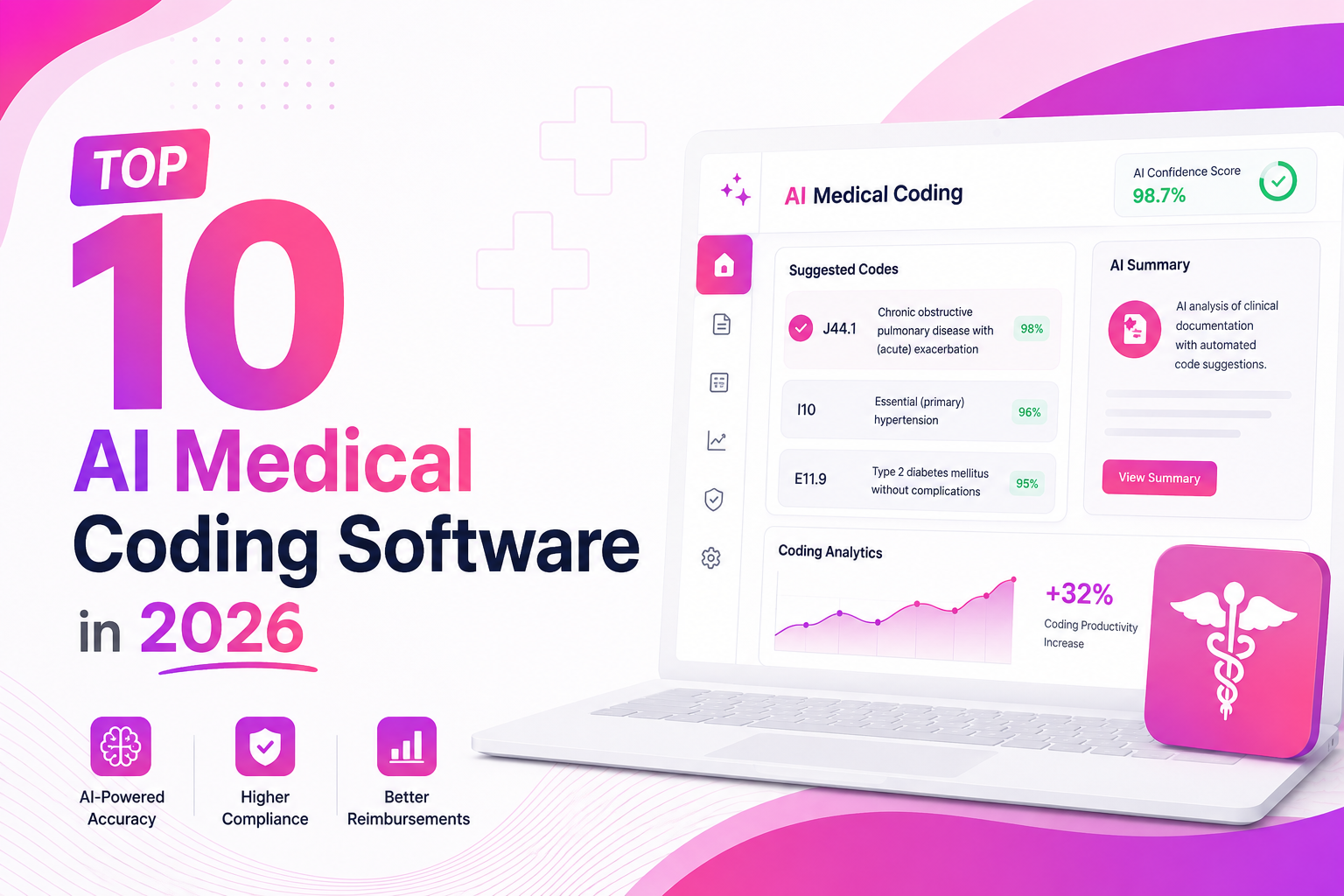 May 15, 2026
Top 10 AI Medical Coding Software in 2026
A practical comparison of AI-powered medical coding platforms transforming healthcare revenue cycle operations.
 May 8, 2026
How AI Is Eliminating Claim Denials Before They Happen
Discover how predictive AI catches denial-prone patterns before claims are submitted.
Apr 29, 2026Calculating the True ROI of RCM Automation
A practical framework for measuring how much revenue automation can recover for healthcare practices.
Ready to Connect BestNotes to Sarva?
Get set up in under 5 minutes. Our onboarding team handles everything — from authentication to your first automated workflow.