Prior Authorization Automation for Healthcare Practices
Prior authorization automation uses AI to identify services requiring authorization, auto-generate submission packages with clinical documentation and supporting codes, submit to payers, and track approval status in real time. Sarva maintains a continuously updated library of payer-specific PA requirements so your team sees exceptions — not status checks.
Assess Your Prior Authorization WorkflowThe Business Problem
Prior authorization is one of the most burdensome administrative tasks in healthcare. Physicians spend an average of 14 hours per week on PA-related activities. The process is manual, inconsistent, and opaque — every payer has different forms, portals, and timelines. PA-related denials occur when services are scheduled without checking auth requirements or when submissions are incomplete.
Affected Team
Front desk, scheduling, clinical staff, and billing. The burden spans the entire patient journey from scheduling through claim submission. Clinical staff time spent on PA is time not spent on patient care.
How It Works
Current Manual Workflow
A scheduler books a procedure. Someone must check if the service requires prior authorization for the patient's payer. If yes, they gather clinical documentation, complete the payer-specific form, submit via portal or fax, and then manually track approval status by periodically checking the portal or calling the payer. If approved, the procedure proceeds. If denied or pending, the process repeats.
Automated Workflow with Sarva
When a provider orders a service, Sarva checks whether authorization is required for the patient's payer and plan. If required, Sarva auto-generates the submission package — clinical documentation, supporting codes, payer-specific narrative — and submits through the payer's preferred channel. Sarva tracks approval status automatically and escalates only when intervention is needed or a deadline is approaching.
Inputs
- Ordered service and CPT/HCPCS codes
- Patient insurance information
- Payer-specific PA requirements library
- Clinical documentation supporting medical necessity
- Provider orders and notes
Outputs
- Auto-generated PA submission package
- Submitted authorization request
- Real-time approval status tracking
- Pending/escalation alerts
- Approval documentation for the claim
Human Oversight
Sarva escalates to staff when a PA is denied, when additional information is requested by the payer, or when a deadline is approaching. Staff handle exceptions and peer-to-peer reviews. The system manages routine submissions and status tracking without staff involvement.
Security Considerations
All clinical documentation and patient data is encrypted in transit and at rest. PA submissions contain PHI and are handled under the same HIPAA standards as all Sarva operations. BAA included. SOC 2 Type II certified.
Integration Considerations
Sarva integrates with your EHR to detect ordered services and retrieve clinical documentation. PA submissions are made through payer portals, EDI transactions, or API connections where available. The PA requirements library is continuously updated as payer policies change.
Limitations
Not all payers support electronic PA submission. Some require fax or portal-only submission, which Sarva handles but with longer processing times. Peer-to-peer reviews require physician involvement and cannot be automated. PA requirements change frequently and occasionally the library may lag behind a payer's latest policy update.
Key Performance Indicators
See how this workflow applies to your practice.
Assess Your Prior Authorization WorkflowRelated Connectors
Related Articles
Frequently Asked Questions
Sarva maintains a continuously updated library of payer-specific PA requirements. When a provider orders a service, Sarva checks the library for the patient's payer and plan to determine if authorization is required. The library is updated as payer policies change.
The latest from Sarva
Practical ideas for better revenue operations, smarter automation, and stronger healthcare teams.
 May 15, 2026
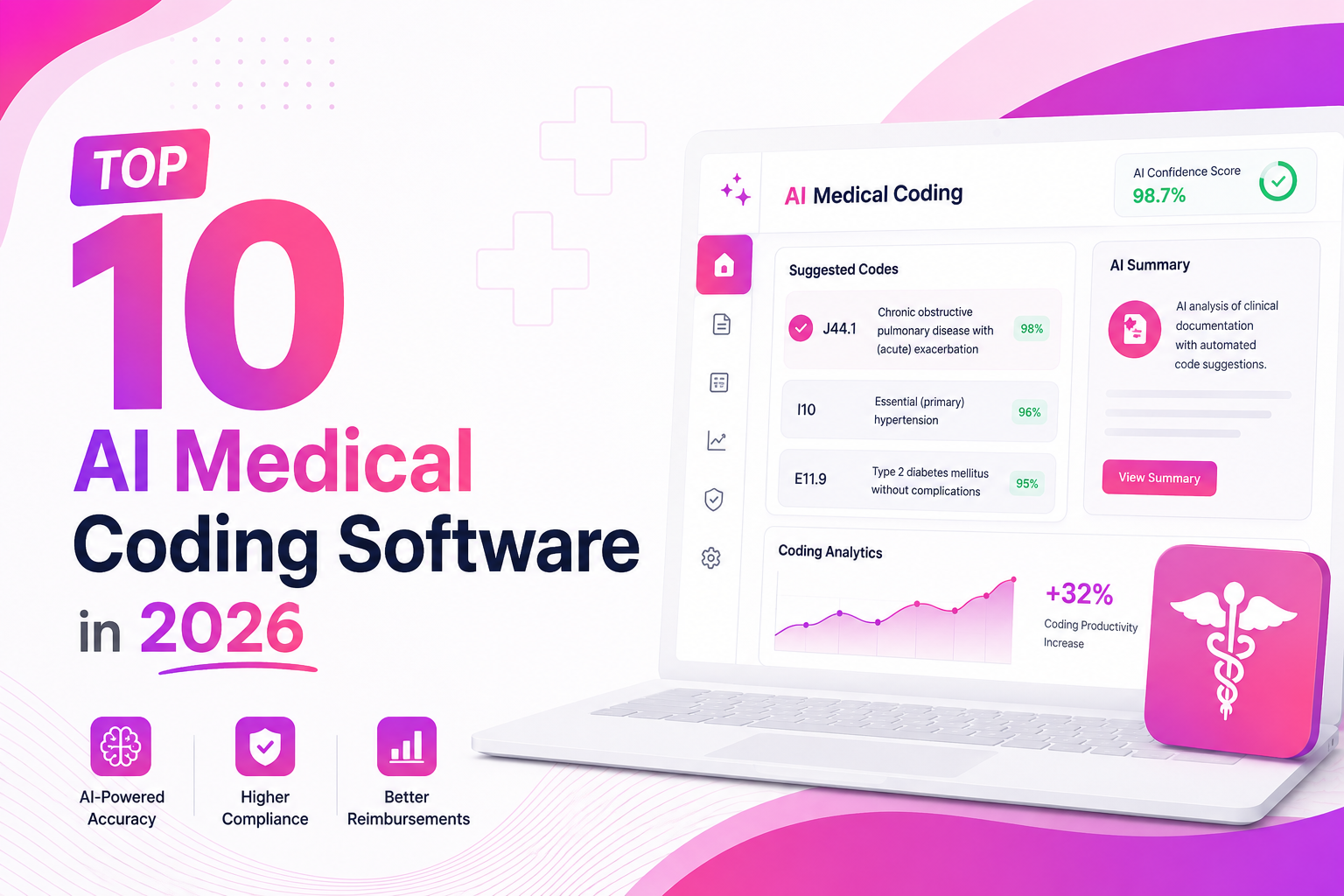
Top 10 AI Medical Coding Software in 2026
A practical comparison of AI-powered medical coding platforms transforming healthcare revenue cycle operations.
 May 8, 2026
How AI Is Eliminating Claim Denials Before They Happen
Discover how predictive AI catches denial-prone patterns before claims are submitted.
Apr 29, 2026Calculating the True ROI of RCM Automation
A practical framework for measuring how much revenue automation can recover for healthcare practices.
Ready to automate your revenue cycle?
Book a personalized demo and see how Sarva can apply this workflow to your practice.