Slack
Sarva's Slack automation pushes denial alerts and AR summaries to your team t...
Sarva pushes denial alerts, AR aging summaries, and claim exceptions into Slack channels the moment they happen, so a billing team catches a spike in denials from a specific payer the same day it starts instead of at next week's review meeting.
Why Slack + Sarva
Sarva pushes denial alerts, AR aging summaries, and claim exceptions into Slack channels the moment they happen, so a billing team catches a spike in denials from a specific payer the same day it starts instead of at next week's review meeting. Billing problems compound while nobody's looking at them. A payer that starts denying a code differently, or a batch of claims stuck in a rejected status, can sit unnoticed for days if the only place to see it is a dashboard someone has to remember to open. Slack is where a lot of billing and ops teams already coordinate in real time, so Sarva meets them there instead of adding another tab to check.
What Sarva Automates in Slack
Real-Time Denial Alerts
When Sarva's Denial agent flags a new denial or an unusual pattern from a specific payer, it posts to a designated Slack channel with the claim details and suggested next step.
AR Aging Digest
A scheduled summary of AR aging buckets and days-outstanding trends posts to Slack so leadership sees the numbers without logging into a separate dashboard.
How Practices Use Slack + Sarva
Real-Time Denial Alerts
When Sarva's Denial agent flags a new denial or an unusual pattern from a specific payer, it posts to a designated Slack channel with the claim details and suggested next step.
AR Aging Digest
A scheduled summary of AR aging buckets and days-outstanding trends posts to Slack so leadership sees the numbers without logging into a separate dashboard.
Connect in Minutes
Connect Your Slack Account
Authenticate Sarva with your Slack instance using secure API credentials. Setup is fully guided and takes under 10 minutes. Your data is encrypted end-to-end throughout the connection process.
Configure Your Workflow Triggers
Choose which Slack events trigger Sarva automations — new appointments, finalized encounters, received denials, or aging AR thresholds. Use pre-built templates or configure custom logic for your practice.
Go Live & Monitor
Sarva begins processing real Slack data immediately. Monitor every automated action, claim status, and workflow outcome from Sarva's unified revenue intelligence dashboard.
Built for Healthcare. Built for Slack.
Common Questions
Can we route different alert types to different channels?
Yes, denial alerts, submission failures, and AR summaries can each go to their own channel, so a biller only sees what's relevant to their role.
Does this expose PHI in Slack messages?
Alerts are configured to reference claim IDs and account numbers rather than clinical detail by default, and you control exactly what fields appear.
Can someone act on an alert directly from Slack?
Sarva's Slack messages link back to the specific claim or account in Sarva for action; the message itself is notification, not a full workflow interface.
Related Connectors
The latest from Sarva
Practical ideas for better revenue operations, smarter automation, and stronger healthcare teams.
 May 15, 2026
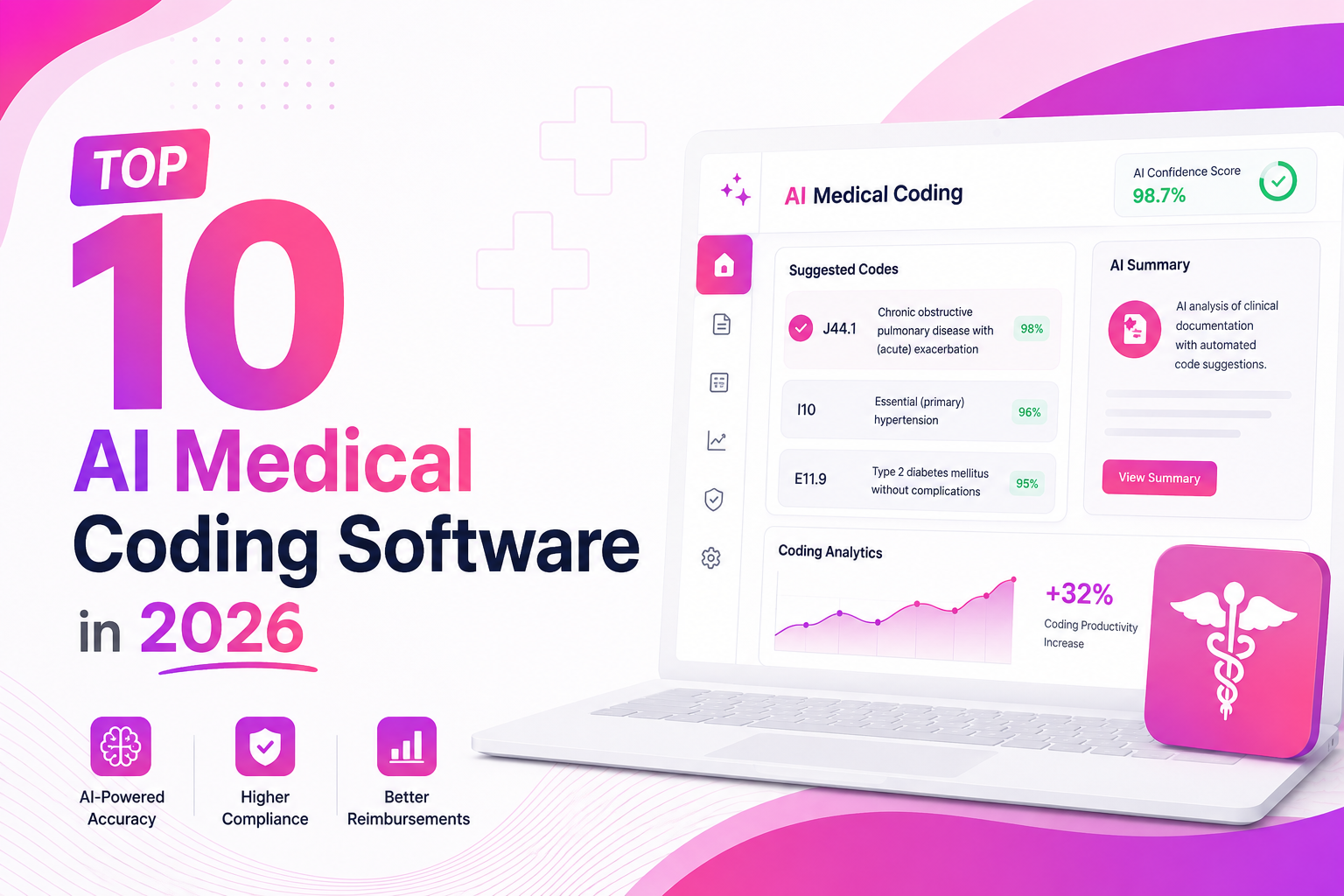
Top 10 AI Medical Coding Software in 2026
A practical comparison of AI-powered medical coding platforms transforming healthcare revenue cycle operations.
 May 8, 2026
How AI Is Eliminating Claim Denials Before They Happen
Discover how predictive AI catches denial-prone patterns before claims are submitted.
Apr 29, 2026Calculating the True ROI of RCM Automation
A practical framework for measuring how much revenue automation can recover for healthcare practices.
Ready to Connect Slack to Sarva?
Get set up in under 5 minutes. Our onboarding team handles everything — from authentication to your first automated workflow.