QuickBooks
Sync claim payments and adjustments from Sarva into QuickBooks automatically
Sarva posts adjudicated claim payments, adjustments, and write-offs from its Payment Post agent directly into QuickBooks as reconciled transactions. Your practice's revenue cycle ledger and your accounting books stay in sync without anyone re-keying numbers between systems.
Why QuickBooks + Sarva
Sarva posts adjudicated claim payments, adjustments, and write-offs from its Payment Post agent directly into QuickBooks as reconciled transactions. Your practice's revenue cycle ledger and your accounting books stay in sync without anyone re-keying numbers between systems. Most practices run billing in one system and books in another. QuickBooks handles the P&L, tax prep, and month-end close, but it only knows what someone tells it. When a biller posts a payment in the RCM platform and a bookkeeper posts it again in QuickBooks by hand, the two records drift, especially around adjustments, refunds, and payer takebacks. That drift is what makes month-end close take days instead of hours. Sarva's QuickBooks connector removes the second entry entirely, so the books reflect what actually happened on the claim side as it happens.
What Sarva Automates in QuickBooks
Automated Payment Posting
Every payment Sarva's Payment Post agent processes, from ERA remits to patient payments, posts to the correct QuickBooks account without manual journal entry.
Real-Time AR Reconciliation
Sarva keeps QuickBooks accounts receivable balances aligned with the live claim ledger, so your accountant isn't reconciling two different versions of what's owed.
Financial Reporting Sync
Revenue by payer, adjustment categories, and write-off totals flow into QuickBooks reports automatically, giving your practice's finance side accurate numbers without a separate export step.
How Practices Use QuickBooks + Sarva
Automated Payment Posting
Every payment Sarva's Payment Post agent processes, from ERA remits to patient payments, posts to the correct QuickBooks account without manual journal entry.
Real-Time AR Reconciliation
Sarva keeps QuickBooks accounts receivable balances aligned with the live claim ledger, so your accountant isn't reconciling two different versions of what's owed.
Financial Reporting Sync
Revenue by payer, adjustment categories, and write-off totals flow into QuickBooks reports automatically, giving your practice's finance side accurate numbers without a separate export step.
Connect in Minutes
Connect Your QuickBooks Account
Authenticate Sarva with your QuickBooks instance using secure API credentials. Setup is fully guided and takes under 10 minutes. Your data is encrypted end-to-end throughout the connection process.
Configure Your Workflow Triggers
Choose which QuickBooks events trigger Sarva automations — new appointments, finalized encounters, received denials, or aging AR thresholds. Use pre-built templates or configure custom logic for your practice.
Go Live & Monitor
Sarva begins processing real QuickBooks data immediately. Monitor every automated action, claim status, and workflow outcome from Sarva's unified revenue intelligence dashboard.
Built for Healthcare. Built for QuickBooks.
Common Questions
Does this replace QuickBooks?
No. Sarva doesn't touch tax filing, payroll, or general ledger management. It automates the flow of billing data into QuickBooks so your accounting team works from accurate, current numbers instead of manual re-entry.
Which direction does data flow?
Payment, adjustment, and write-off data moves from Sarva into QuickBooks. Sarva doesn't pull financial data back out, so your chart of accounts and existing bookkeeping workflow stay untouched.
How are refunds and adjustments handled?
Refunds, contractual adjustments, and payer takebacks post as their own transaction types in QuickBooks, matching how your accountant already categorizes them, rather than showing up as unexplained balance changes.
Related Connectors
The latest from Sarva
Practical ideas for better revenue operations, smarter automation, and stronger healthcare teams.
 May 15, 2026
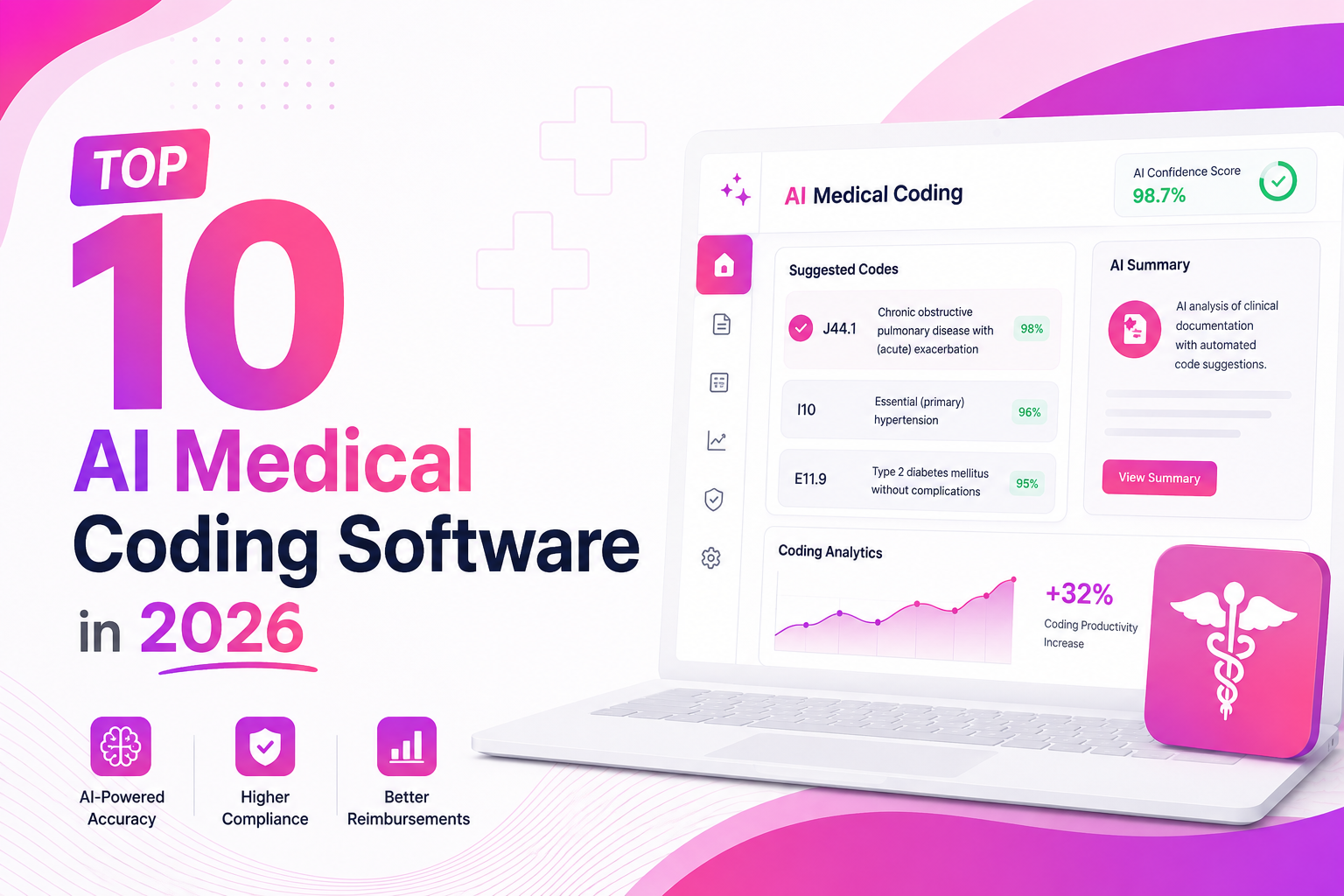
Top 10 AI Medical Coding Software in 2026
A practical comparison of AI-powered medical coding platforms transforming healthcare revenue cycle operations.
 May 8, 2026
How AI Is Eliminating Claim Denials Before They Happen
Discover how predictive AI catches denial-prone patterns before claims are submitted.
Apr 29, 2026Calculating the True ROI of RCM Automation
A practical framework for measuring how much revenue automation can recover for healthcare practices.
Ready to Connect QuickBooks to Sarva?
Get set up in under 5 minutes. Our onboarding team handles everything — from authentication to your first automated workflow.