Front Office Automation for Dental Practices
Dental front-office automation organizes new-patient enquiries, hygiene and appointment requests, registration readiness, recall worklists, and administrative benefit follow-up. Sarva helps dental teams route routine work while staff handle urgent, clinical, financial, and patient-specific exceptions.
Designed for: Dental practices, group dental organizations, and dental front offices managing new-patient and recall demand.
What administrative problem does this solve?
These workflows are often distributed across inboxes, portals, worklists, and spreadsheets. The practical opportunity is to make ownership and exceptions visible without removing qualified staff from decisions.
- New-patient enquiries arrive without enough information to schedule.
- Hygiene, treatment, and other appointment requests need different routing.
- Registration and benefit follow-up work is easy to lose in shared inboxes.
- Urgent dental concerns require fast human escalation.
What can be automated?
- Categorize new-patient, hygiene, treatment, recall, and administrative requests.
- Collect approved registration details and route missing items.
- Create recall and benefit-follow-up worklists.
- Escalate pain, swelling, trauma, emergencies, and clinical questions to staff.
Implementation sequence
- 01Define request categories and urgent-call rules.
- 02Map registration, recall, scheduling, and benefit worklists.
- 03Pilot routine enquiries with a visible human handoff.
- 04Measure response time, routing accuracy, and unresolved work.
Software and compatibility considerations
The assessment should confirm the dental PM, scheduling, forms, phone, messaging, and benefit-verification systems. A dental PM name does not prove an available integration; product/version, permissions, and approved interfaces must be reviewed.
Human review and escalation
Dental staff handle clinical triage, urgent symptoms, treatment recommendations, benefit interpretation, identity exceptions, and final scheduling decisions that require judgment.
Pilot measures to evaluate
Use these as evaluation criteria against a documented baseline. They are not promised outcomes.
- New-patient response time
- Request-routing accuracy
- Registration readiness
- Recall worklist completion
- Urgent escalation response
Information needed for an assessment
- Request categories
- Practice hours
- Scheduling rules
- Recall policy
- Urgent escalation instructions
Frequently Asked Questions
It can recognize practice-defined urgent language and escalate it, but it should not diagnose or make clinical triage decisions independently.
The latest from Sarva
Practical ideas for better revenue operations, smarter automation, and stronger healthcare teams.
 May 15, 2026
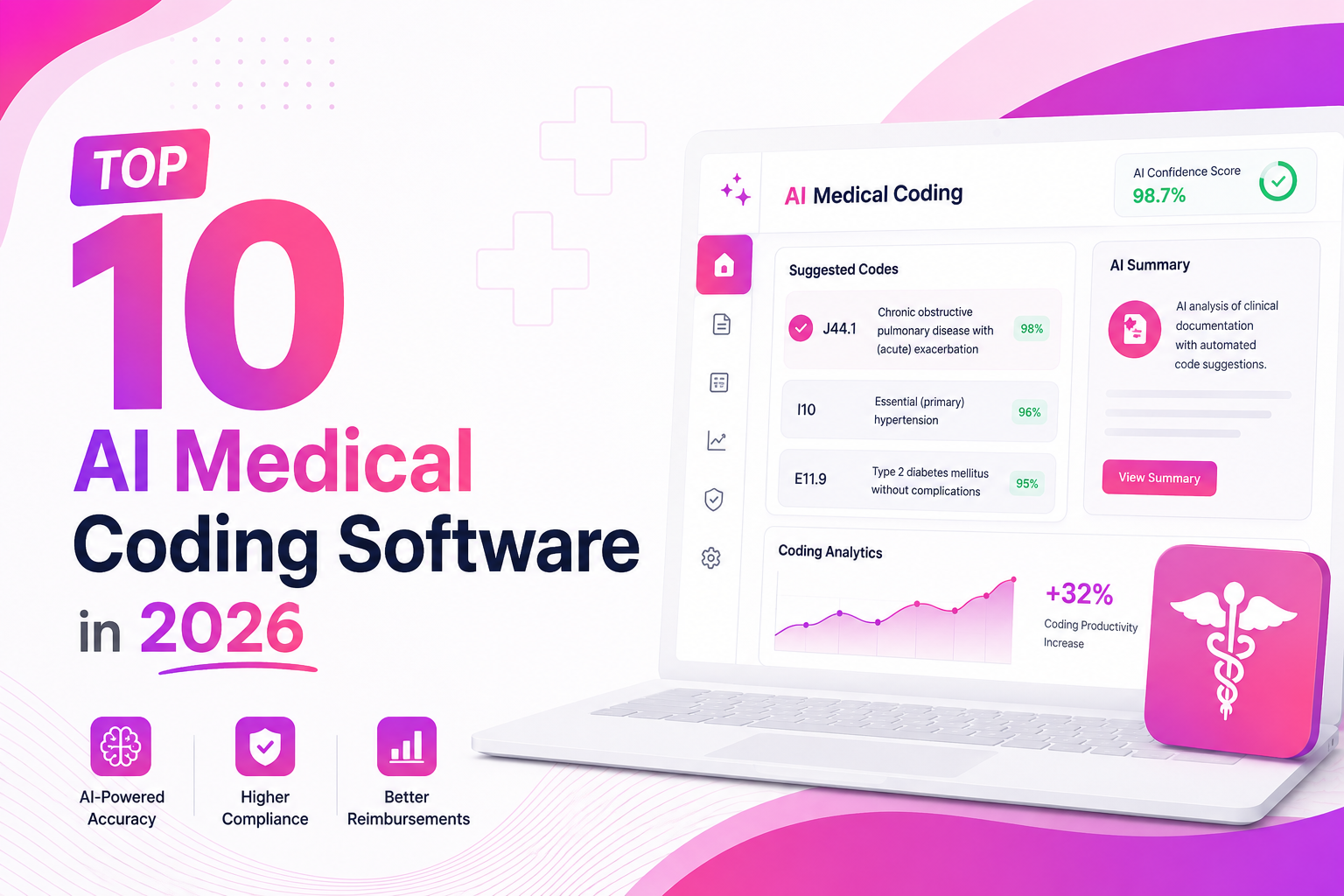
Top 10 AI Medical Coding Software in 2026
A practical comparison of AI-powered medical coding platforms transforming healthcare revenue cycle operations.
 May 8, 2026
How AI Is Eliminating Claim Denials Before They Happen
Discover how predictive AI catches denial-prone patterns before claims are submitted.
Apr 29, 2026Calculating the True ROI of RCM Automation
A practical framework for measuring how much revenue automation can recover for healthcare practices.
Review this workflow with Sarva
Bring your current process, software details, and exception rules. We will help identify what is suitable for a staff-reviewed pilot.